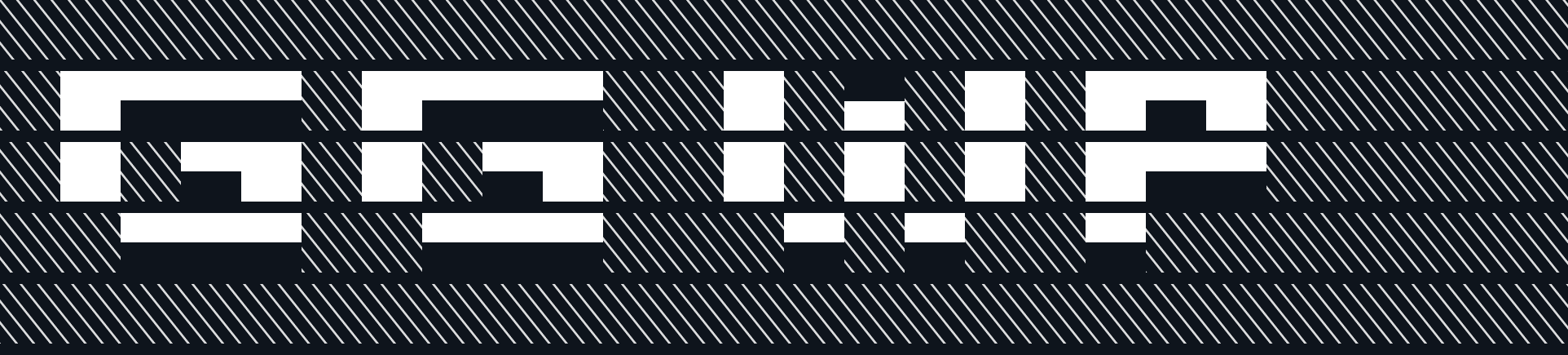
Big block art in game chat
Type in chat, cut it, paste it back. VASCII turns your words and pictures into art for Valorant and Marvel Rivals.
Free Windows app. Coming soon.
How it works
- Type your text in the chat box.
- Ctrl + A selects it.
- Ctrl + X cuts it. VASCII makes the art.
- Ctrl + V pastes it. Press Enter to send.
24 arts ready to paste
Type a name the same way: \skull, then Ctrl + A, Ctrl + X, Ctrl + V.
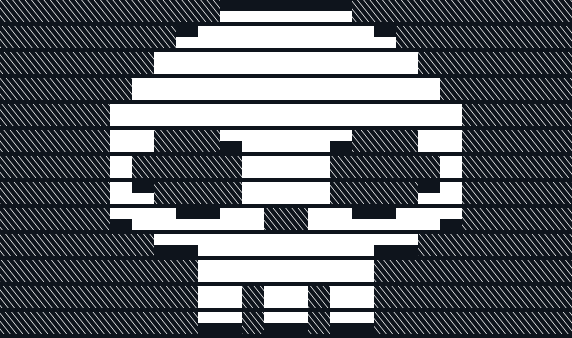
\skull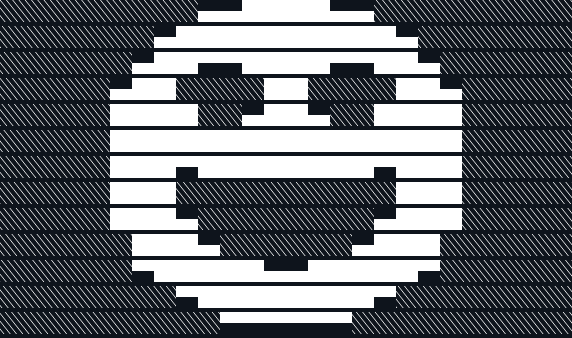
\grin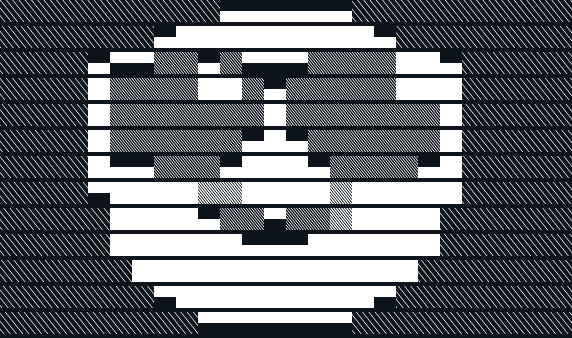
\cool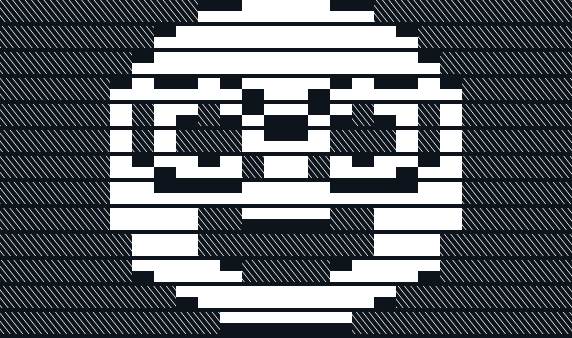
\nerd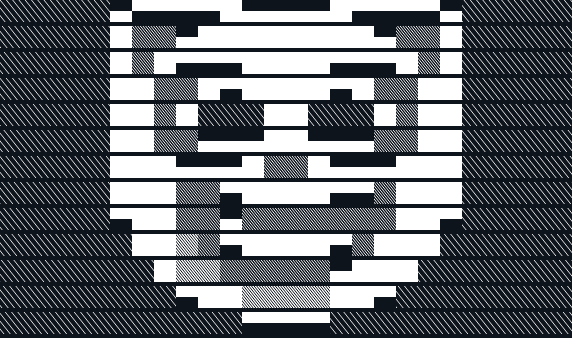
\clown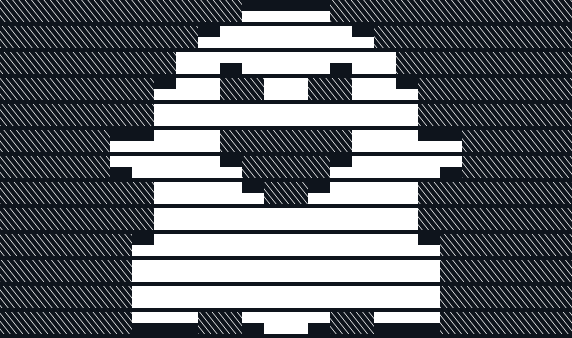
\ghost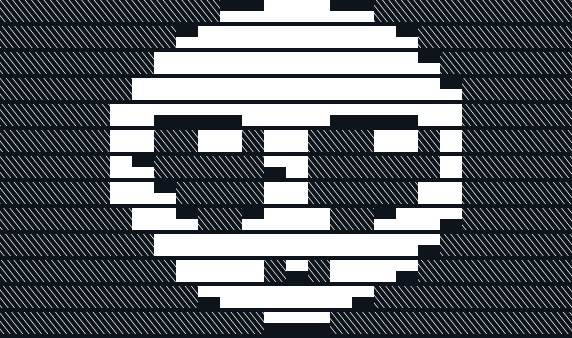
\alien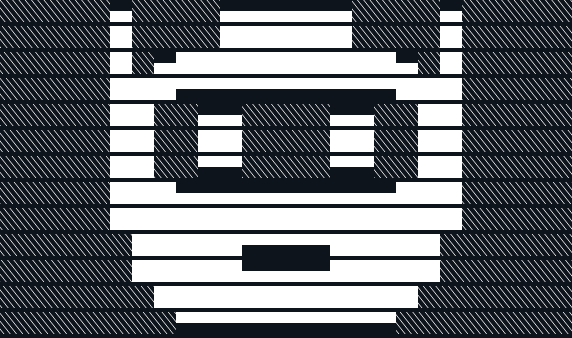
\robot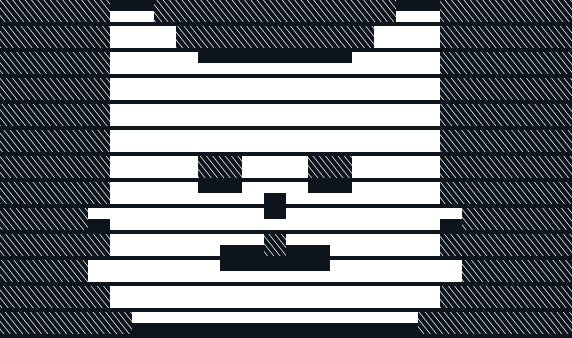
\cat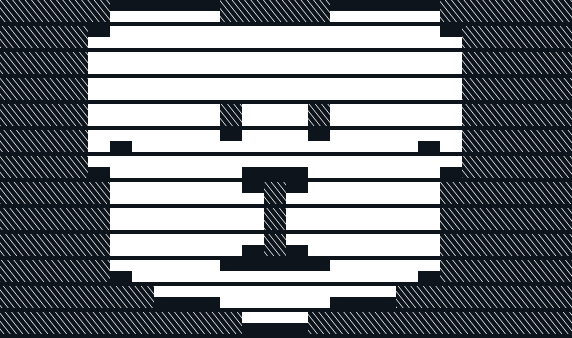
\dog
\crown
\trophy
\heart
\fire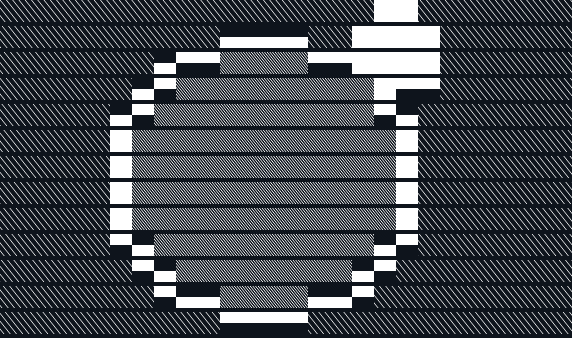
\bomb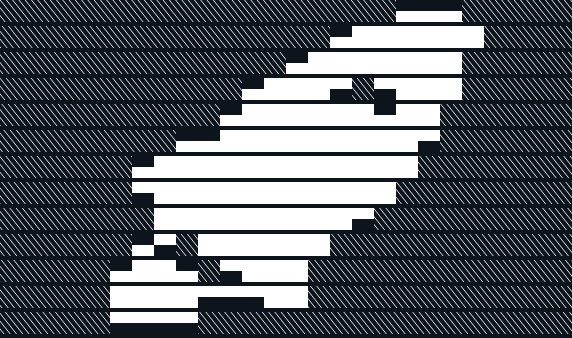
\rocket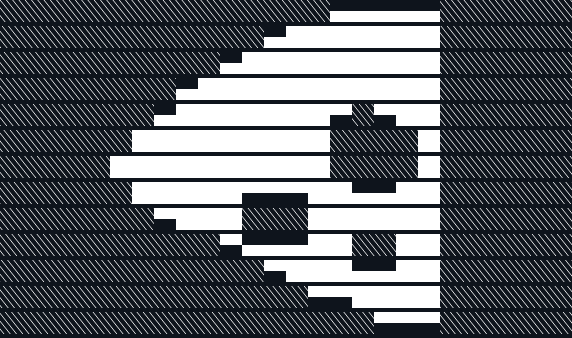
\pizza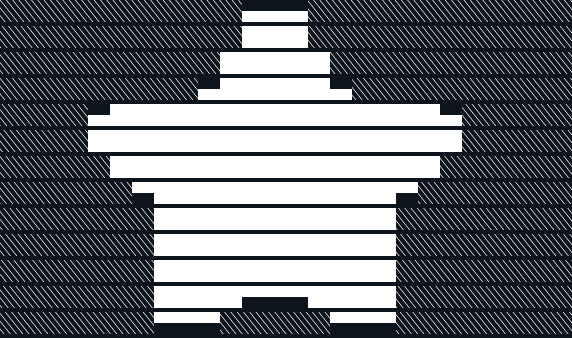
\star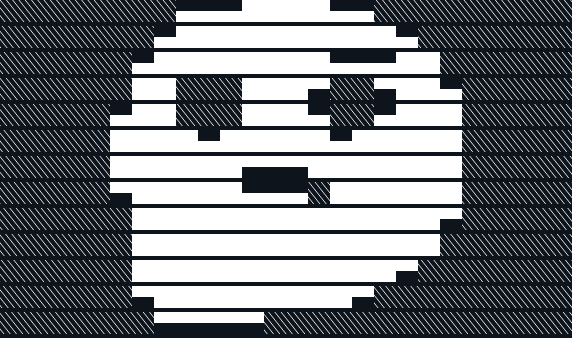
\think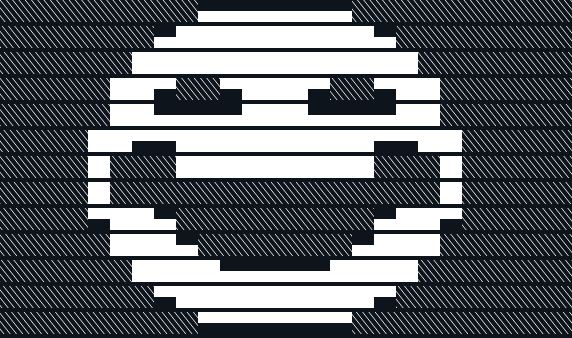
\lol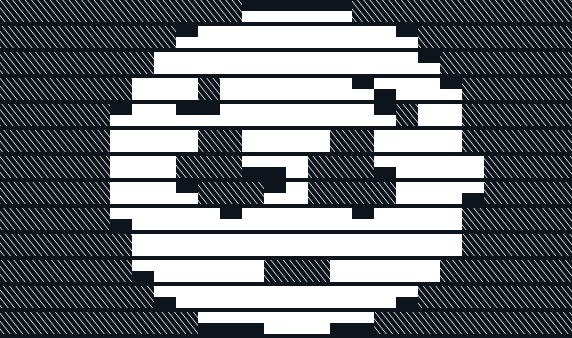
\plead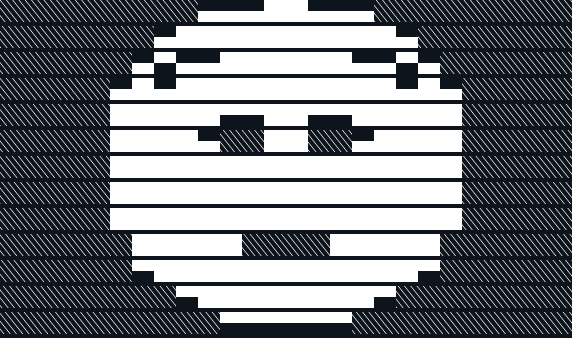
\flushed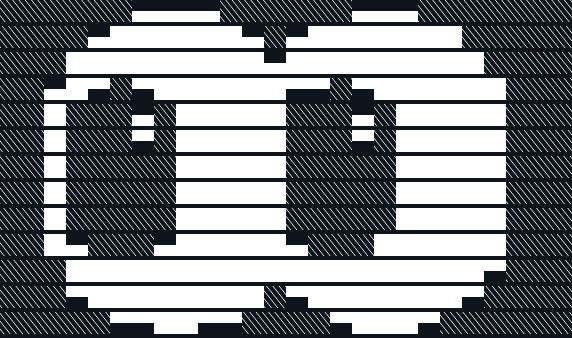
\eyes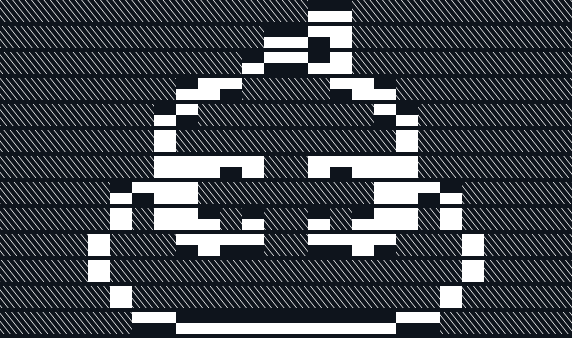
\poop
Turn a picture into art
Drop an image, crop it, pick a look. VASCII cuts the subject out of busy photos and starts on the face.


Also in the app
- Draw your own
- Paint block pixels, with undo, mirror, line, box and fill.
- Pick art mid-match
- Hold Tab to see your arts at the side of the screen. Press your cursor key, click one, then paste it.
- Big, small and styled letters
\b ggfor short words,\s long textfor more words,\f1 hellofor fonts.- Online library
- Browse, vote on and share art with other players. Coming later.
It stays out of the game
VASCII never injects into the game, reads its memory or presses keys for you. It changes what's on your clipboard, and you paste and send every message yourself.
Your clipboard stays on your PC.
Go easy: many big arts in a row may get your chat restricted.
Coming soon
We're testing VASCII in real matches first. The download goes here when that's done. It runs on Windows 10 and 11.